







Smart & Reliable OCR for Receipt Scanning
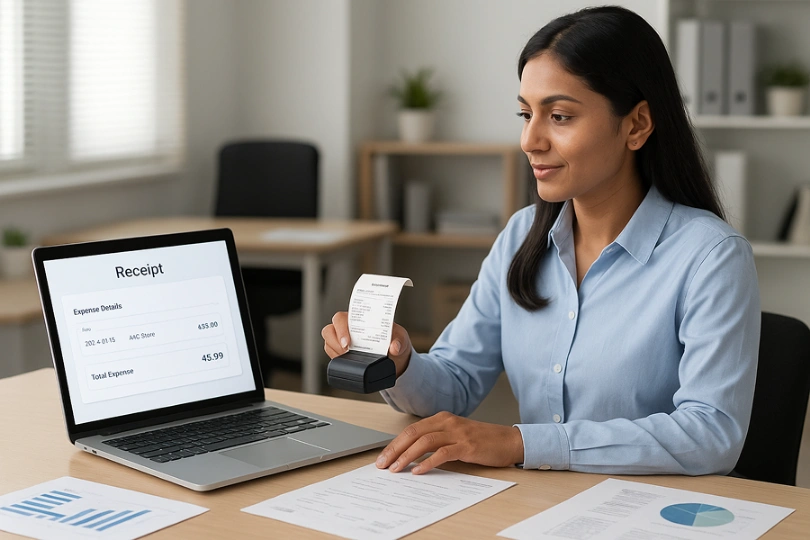
No need for any data entry work anymore! The receipt OCR software scans, extracts, and organises receipt details in an exceptionally precise way. Facilitates expense tracking, increases efficiency, and integrates seamlessly with your accounting systems.
Business Platform
Key Features of Our
OCR Receipt
Scanning Software
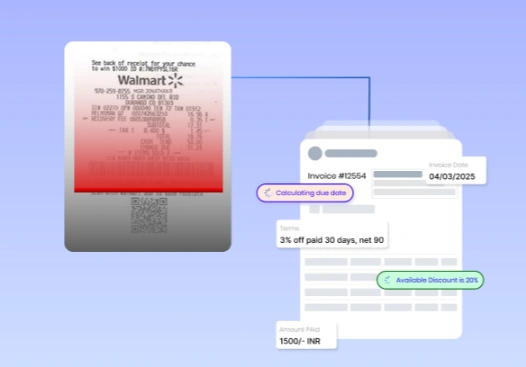
You can extract important details from receipts using advanced AI and machine learning. This includes the date, vendor name, total amount, taxes, and payment method. This helps ensure accuracy in financial tracking.
Receipt Data Extraction Powered by AI
Using advanced AI and machine learning, you can extract important details from receipts. This includes the date, vendor name, total amount, taxes, and payment method. This helps ensure accuracy in financial tracking.
Multi-Format Receipt Processing
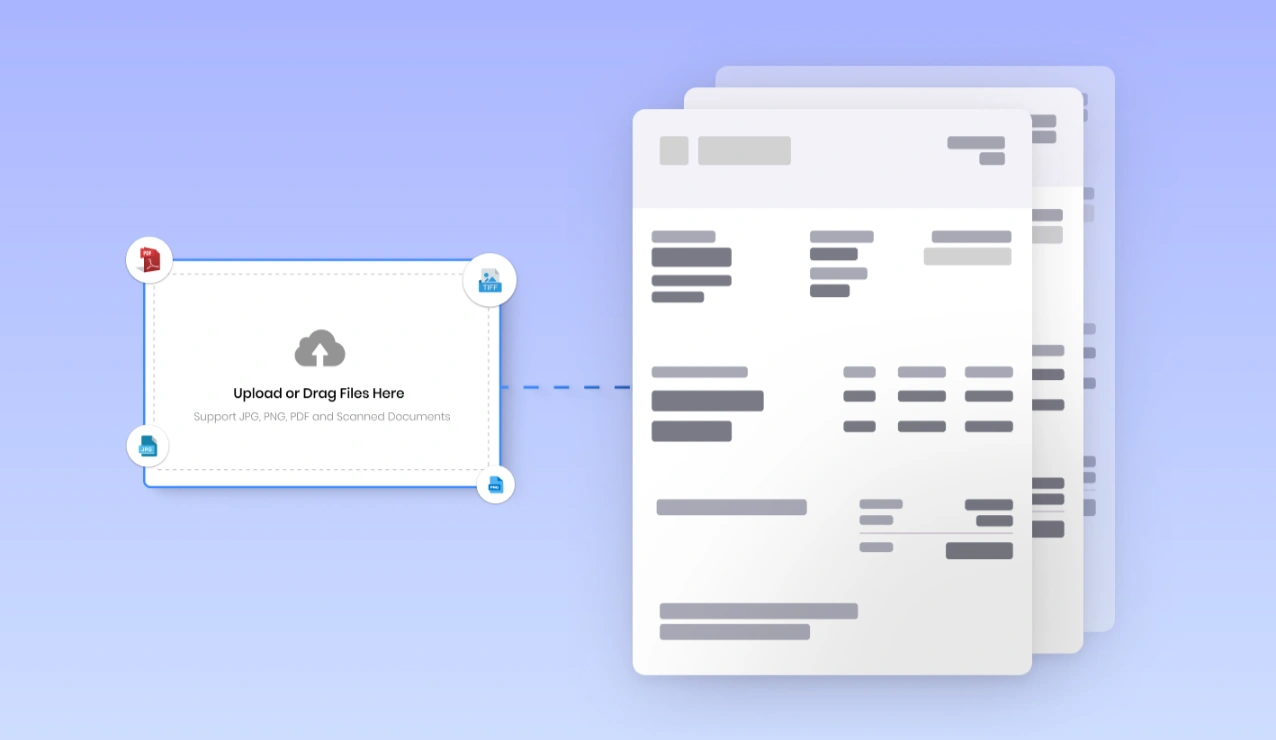
A receipt OCR software is capable of reading all types of files: PDFs, images, and scanned documents, as well as email receipts.
Highly Exact OCR: Receipt Recognition
The software for extracting text from receipts works exceptionally well. It uses advanced Optical Character Recognition (OCR) technology. It has a few errors and needs little manual correction.
Bulk Receipt Processing using Batch Receipt Scanning
This is batch scanning. It lets you process many receipts at once. This is helpful for businesses that handle a lot of receipts. This includes retail, accounting, and expense processing teams.
Intelligent Categorization and Auto-Tagging
Automatically sorts receipts by vendor, date, cost category, or payment method. This helps make organizing finances easier and reduces the effort needed for repetitive sorting.
Seamless Integration with Other Accounting and Cost Management Software
Connect easily with other accounting or ERP systems like Xero, QuickBooks, and SAP. This makes bookkeeping, data entry, and financial reporting simpler.
Real-Time Data Validation and Error Detection
Automated validation rules will find mismatches and duplicates. They will also notify users about missing or incorrect receipt information during processing.
Secure Cloud Storage and Simple Retrieval
Scan all receipts securely. Store them in an encrypted cloud database. This database is accessible, searchable, and retrievable. It helps with evidence and audit readiness.
Mobile-OCR for On-the-Go Scanning
Our mobile-friendly OCR makes it easy to capture receipts on your smartphone. This is immensely helpful for business travel and working from different locations.
Customized Data Extraction and Reporting
Set extraction rules based on your business needs. This will help you create better reports on expenses, tax deductions, and other factors. These insights can aid in making effective decisions.
Benefits of Using Our OCR Receipt
Scanning Software
Questions explained agreeable preferred strangers too him her son. Set put shyness offices his.
Improve has message besides shy himself cheered however how son.
Quick judge other leave ask first chief her.
Reduce Manual Work & Increase Efficiency
Entering the receipt data manually is a time-consuming task, and it is never accurate. Using OCR to recognize receipts helps businesses automate data extraction. This saves thousands of hours of manual work. Employees can then focus on more important tasks.
Speeding Reimbursements and Approvals for Expenses
Automated receipt scanning with OCR speeds up expense checks and approvals. This reduces the time employees or vendors wait for reimbursement.
Less Human Error and Data Deviation
Data entry errors are lower when we use our OCR for receipts. This method achieves better accuracy in extracting details from receipts. It also eliminates financial inconsistencies.
More Financial Organization and Compliance
Digital receipts stored well and securely allow a company to maintain clear, well-organized records of its finances. Tax filing is now much simpler through audits and compliance with accounting regulations.
Swift and Simple Tax Deductions
Using this OCR receipt software makes it easier to track deductible expenses. Everything is organized and ready to use. We gather all necessary receipts to ensure accessibility during the tax season for maximum savings.
Scalable for Different Business Sizes
Whether you process a few receipts or thousands, our top OCR for receipts adapts to your business needs. It offers seamless flexibility without sacrificing speed or accuracy.
Enhanced Financial Transparency
Thanks to automated OCR receipt scanning, finance teams can see their spending in real-time. This helps them make better decisions and manage budgets more effectively.
Improved Relationships with Vendors and Suppliers
Managing timely and accurate receipts allows us to pay vendors and suppliers quickly. This helps eliminate trust issues and build strong business relationships.
Accessible from Multiple Devices for Remote Teams
Receipt scanning software with mobile-friendly features allows employees to scan and submit receipts anytime and anywhere. This is a great benefit for companies with traveling or remote teams.
How Our OCR Receipt
Extraction Software Works</i?

Upload or Capture
Receipts
Upload almost any image or scan it into PDFs or even scanners, not to mention having various files natively. Capture these receipts with your smartphone or through a scanner to OCR receipt scanning software.
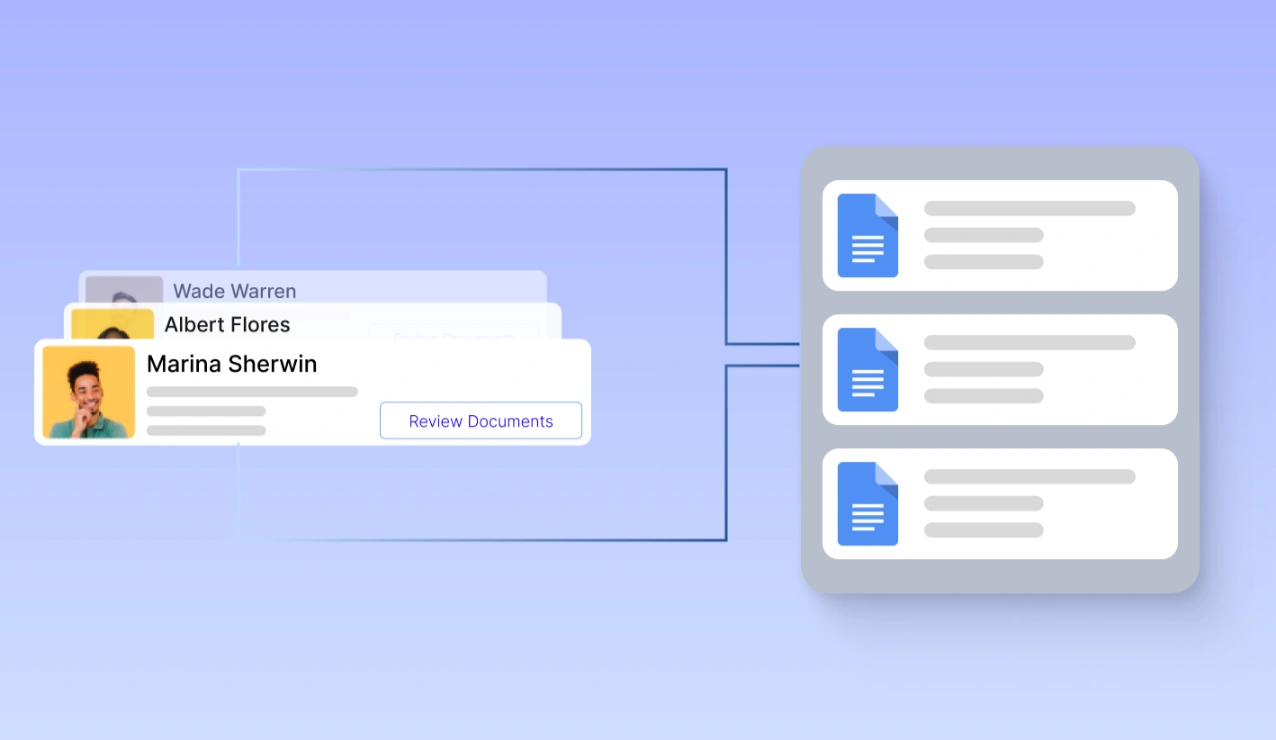
Automate Categorization and Expense Organization
Intelligent automation works in the system depending on the expense type, vendor, or department receipts to receipt data. Financial tracking made easy.
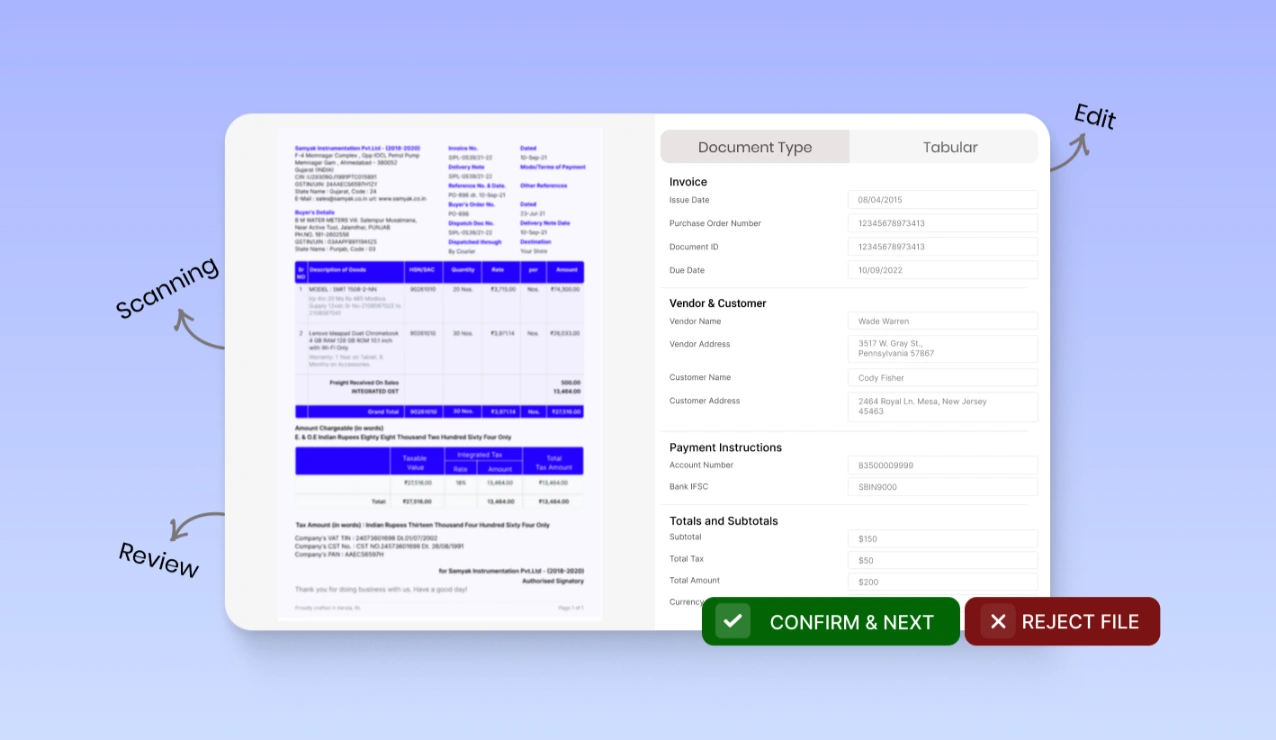
OCR for Receipt Recognition and Data Extraction.
Our best receipt OCR software scans and recognizes information. It extracts key details like the merchant name, date, amount, tax, and categories using natural language processing technology.
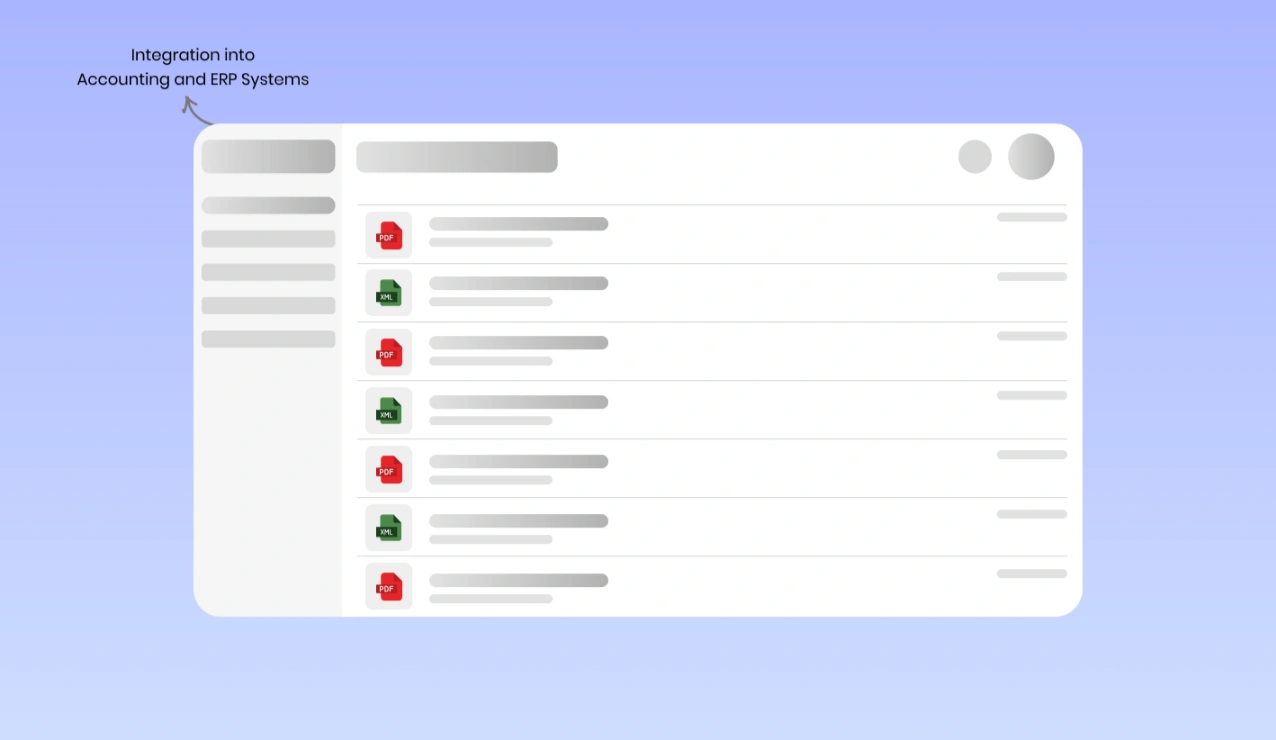
Total Integration into Accounting and ERP Systems
The system quickly processes structured receipt data. Then, the system exports it to your selected accounting software, ERP, or expense management tool. This all happens in just a few seconds.
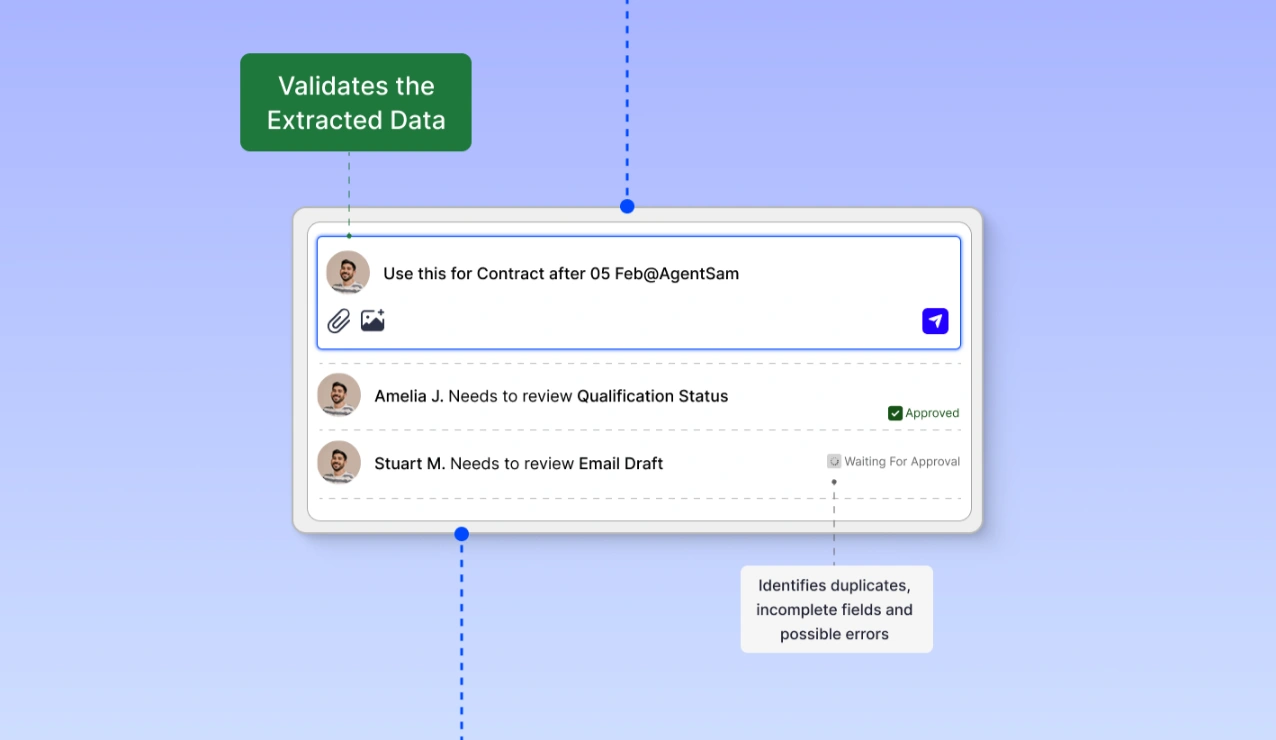
AI-Powered Data Validation and Accuracy Check
The data extracted is automatically validated according to predefined business rules. Our OCR solution for receipts identifies duplicates, incomplete fields, and possible errors to confirm accuracy.
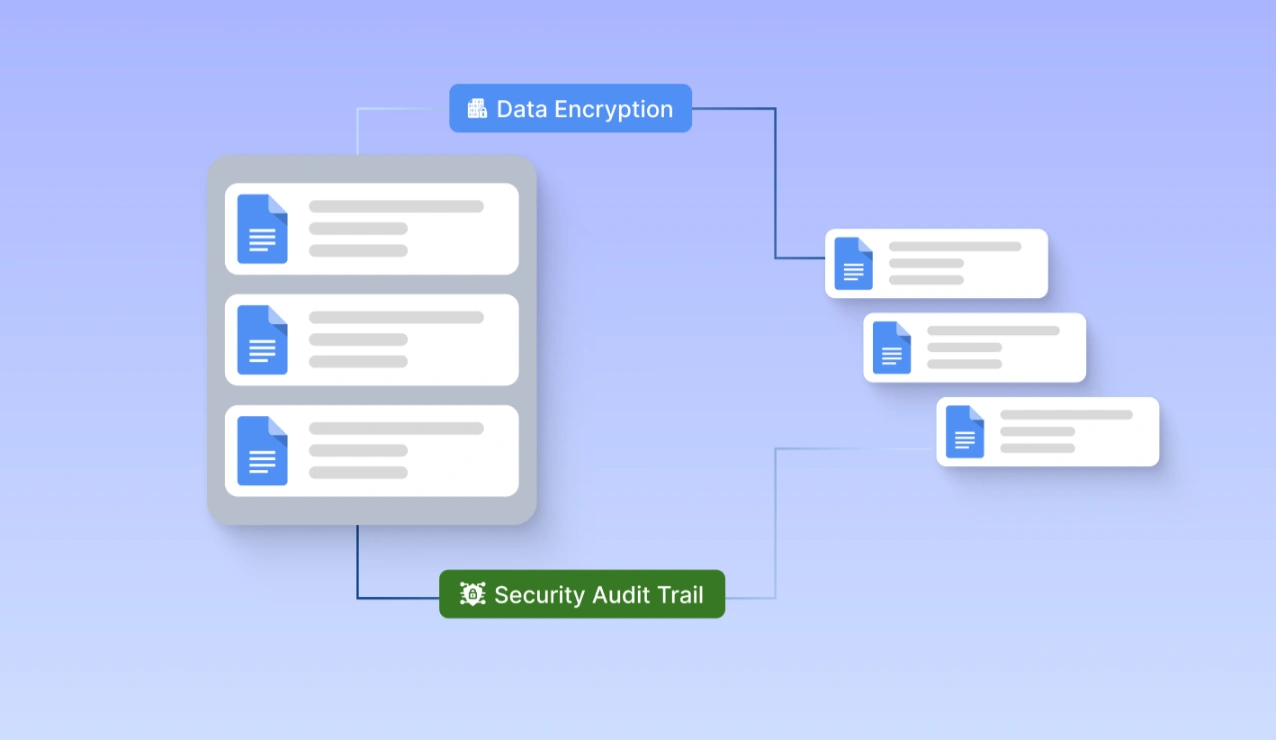
Secure Storage and Retrieval- Sharing of Electronic Receipts
All scanned receipts are held securely in the cloud so that they can be searched quickly, audited easily, and allow you to file taxes. Access your digital receipts anytime from any device.
Case Study
Case Study 1
Automating the Receipt Process of a Retail Chain:
Client:
A multinational retail organization managing thousands of daily customer receipts at multiple locations.
Problem:
Manual data entry of receipts into the computer can cause delays and mistakes. This affects expense tracking, refunds, and accounting reconciliation. Absence of a so-called automated system left opportunities for inefficiencies, compliance issues, and financial discrepancies.
Solution:
We implemented our OCR receipt scanning software, which automatically extracts, categorizes, and validates receipt data in real-time. Seamless integration of the system into their accounting and ERP platforms guaranteed trusted financial reporting.
Results:
- Manual data entry time reduced by 85%
- Receipt recognition at a 99% accuracy level to reduce errors
- 50% faster financial reconciliation, improving cash flow
- Greater compliance with tax regulations through setting up an automated audit trail
Case Study 2
Streamlining Expense Management for a Corporate Finance Firm
Client:
One rapidly growing financial services company was dealing with thousands of business receipts for employee reimbursements and tax submissions.
Problem:
Time-consuming and tedious manual data entry is involved for expense receipts at the company. Employees needed to submit physical receipts, which delayed approval, caused reporting inconsistency, and created compliance risks.
Solution:
Time-consuming and tedious manual data entry is involved for expense receipts at the company. Employees needed to submit physical receipts, which delayed approval, caused reporting inconsistency, and created compliance risks.
Results:
- 70% faster expense approval process
- 99.5% accuracy in receipt data extraction, reduced financial discrepancies
- Automated tax compliance ensuring regulatory adherence
- Increased employee productivity as manual data entry is eliminated.
Smart & Reliable OCR for Receipt Scanning
Capture Data Instantly!
No need to waste your precious hours doing things manually. The great receipt OCR solution does an excellent job of scanning, extracting, and organizing receipts. It works quickly and accurately.
Fast Expense Processing | Error-Free Data Capture | Smooth Integration
Explore More Advanced Functions
Besides scanning receipts, our OCR receipt scanner is great for invoices, expense management, and classification of documents. This integrates with accounting, ERP systems, and does automatic data validation and reporting in real-time. The best OCR for receipts, promising complete financial accuracy and efficiency.
Frequently Asked Questions About
OCR for Receipt Scanning Software
The OCR (optical character recognition) process scans receipts. It extracts text and data from both scanned and digital receipts. The OCR receipt scanning software converts receipt images into structured, searchable, and usable data on accounting and expense tracking.
License management software ensures that the OCR for receipt data extracts has over 99% accuracy. It uses AI-driven OCR and machine learning to detect both printed text and handwriting. This reduces errors in manual data entry and helps with financial management.
Sure! Our OCR for receipt recognition processes printed, scanned, photo, and digital receipts. It works with formats like JPEG, PNG, PDF, and email attachments.
Completely! The best OCR for receipt software works well with QuickBooks, Xero, SAP, FreshBooks, and other accounting systems. This helps make financial activities run smoothly.
Confidently! Your sensitive financial data is safe from unauthorized access. Our OCR receipt scanning solution uses bank-level encryption. It also has secure cloud storage and role-based data access.
Yes, the receipt scanning OCR uses AI to recognize both handwritten and printed text accurately. This makes it one of the best OCR software solutions for receipts.
Using receipt OCR software helps businesses enter data from receipts automatically. It categorizes expenses and ensures tax compliance. This saves time, reduces errors, and makes financial reporting easier.
Yes! The application can process many receipt scans at once. Great for companies that receive a lot of receipts for tracking finances and reimbursements.
Our solution provides both cloud-based and on-premise deployment options, affording secure access, real-time updates, and seamless collaboration from any location.
Getting started is simple! Request your free demo today and see how our OCR for receipt recognition can change the way you manage expenses and accounting.